 Arsalan Yasin
Why Purchase Approval Flows Matter in Modern Procurement
In many businesses, purchasing delays do not happen because teams are careless. They happen because approval chains are unclear, responsibilities overlap, and buyers are unsure who can authorize what. A well-designed Odoo 19 purchase approval workflow helps solve this by turning a messy process into a controlled, visible, and accountable system.
As an Odoo Functional Consultant, I see purchase approvals as more than a control point. They are a business solution for reducing maverick spending, improving vendor coordination, and helping management make better procurement decisions without slowing operations.
Understanding the Approval Logic in Odoo 19
Odoo 19 gives businesses the flexibility to manage approvals according to company policy, team structure, and purchasing value. Instead of relying on manual follow ups, users can define when a document should move forward and when it should wait for validation.
Approval Thresholds and Purchase Control by Amount
One of the most practical tools in Odoo is the Odoo 19 approval threshold for purchase orders. This allows companies to approve low value purchases quickly while routing higher value transactions to senior managers or finance controllers.
This setup reduces unnecessary bottlenecks. A routine office supply order may only need buyer validation, while a large equipment request can automatically require management review. That creates speed where possible and control where necessary.
Role Based Access for Purchasing Teams and Managers
Strong procurement depends on clear authority. With role-based purchase approvals in Odoo 19, businesses can assign different levels of responsibility to buyers, team leads, department heads, and administrators.
This means the purchasing officer can prepare the RFQ, the procurement manager can review commercial terms, and finance can step in only when policy requires it. Functional design here is critical because the workflow should reflect the real business hierarchy, not just system permissions.
How to Configure Purchase Approvals in Odoo 19
When clients ask how to set up approval workflows in Odoo 19, the answer always starts with process mapping. Before touching the system, define who requests, who checks, who approves, and what conditions trigger escalation.
Setting Approval Rules for Requests for Quotation and Purchase Orders
A smart configuration of Odoo 19 purchase order approval rules ensures that Requests for Quotation and confirmed orders follow the right validation path. For example, an RFQ can move into review once it reaches a specific amount or product category.
This is especially useful for the Odoo 19 RFQ approval process, where businesses want visibility before a quotation becomes a financial commitment. The result is better vendor comparison, fewer rushed approvals, and stronger compliance.
Creating Multi Step Validation for Different Spending Levels
For growing companies, a single approval is often not enough. A multi-level approval workflow in Odoo 19 allows one document to pass through several stakeholders based on business rules.
A simple method could look like this:
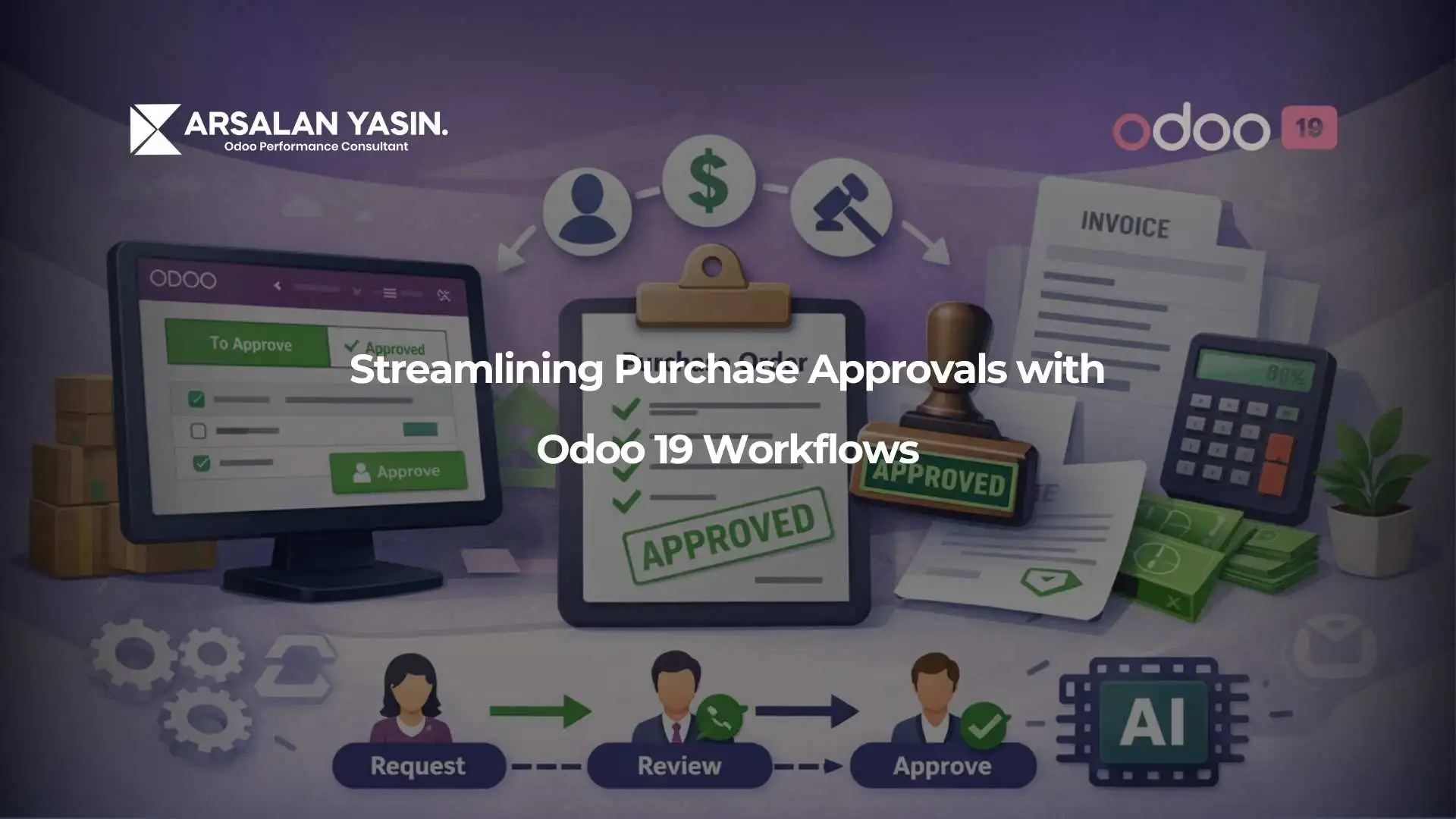
- Buyer creates purchase request
- Department manager reviews operational need
- Procurement validates supplier and pricing
- Finance or director approves high value spend
- Purchase order is confirmed
This structure supports governance without making daily purchasing harder than it needs to be.
Need help applying this to your business?
Improving Procurement Efficiency with Workflow Automation
Approval design becomes even more powerful when paired with automation. Odoo 19 procurement workflow automation helps businesses reduce manual intervention, improve consistency, and keep procurement moving even during busy periods.
Automating Requisitions, Notifications, and Approval Routing
With automating purchase orders in Odoo 19, a company can trigger approvals automatically once business conditions are met. This can also support Odoo 19 purchase requisition automation by routing internal needs into the right purchasing channel before the buyer even starts vendor negotiation.
Approvals do not need to feel like a roadblock. When the workflow is configured properly, the system guides users to the next action instead of forcing them to chase updates across email threads and spreadsheets.
Using Chatter, Activities, and Alerts for Better Visibility
A major advantage of Odoo approval workflow notifications and chatter is transparency. Everyone involved can see the current status, comments, pending activity, and previous decisions in one place.
This visibility matters because approvals are not only about control. They are also about communication. A delayed approval with no context frustrates teams. A visible approval with comments and activities keeps everyone aligned and accountable.
To explore broader Odoo business process improvements, check out more practical insights on My Odoo blogs.
Common Business Scenarios for Streamlined Purchase Approvals
Different companies need different approval models. Manufacturing may focus on stock critical purchases, service firms may focus on budget ownership, and multi-branch businesses may require location based control. In some cases, purchase approvals also connect with the Odoo 19 invoice approval workflow to ensure financial validation continues after ordering.
Delegation, Exceptions, and Cross Department Coordination
Real businesses also need flexibility. Purchase order approval delegation in Odoo is useful when managers are unavailable or approvals must continue during leave periods. Functional consultants should also define exception rules for urgent operational purchases, while keeping an audit trail intact.
This is where modern trends like AI document processing in Odoo 19 for approvals can support the flow by extracting key supplier or invoice data faster, helping reviewers act with better information.
Best Practices for Functional Consultants Implementing Approval Workflows
A successful Odoo 19 purchase order approval setup should always begin with business objectives, not technical settings. Start by understanding spending policies, approval pain points, and reporting expectations. Then configure the workflow in a way that is simple for users and meaningful for management.
Keep the approval chain practical. Too many checkpoints create frustration. Too few create risk. Test the process with real scenarios, train each role clearly, and review reports after go live to see where delays still happen.
For businesses looking to improve procurement control and reduce approval delays, Book a consultant to design an approval flow that fits your operations.
Final Thoughts
Streamlined approvals are not just an ERP feature. They are part of building a reliable procurement culture. Odoo 19 gives companies the tools to control spend, speed up decisions, and improve communication across purchasing teams. When configured from a functional business perspective, approval workflows become a practical solution for efficiency, compliance, and better decision making.
You’re here because something matters.
If this decision impacts your operations, your team, or your growth
Let’s talk before it becomes harder to undo.
Frequently Asked Questions (FAQs)
1. Can Odoo 19 handle approvals based on purchase value?
Yes. Approval thresholds can be configured so higher value purchases require additional validation.
2. Is it possible to create separate approval levels for different managers?
Yes. Odoo can support layered approvals depending on role, department, or spending conditions.
3. Can approvals start from an RFQ instead of a confirmed order?
Yes. Many businesses prefer to review quotations before they become confirmed purchase orders.
4. How do notifications help in the approval process?
Notifications, activities, and chatter improve visibility so users know who must act next and why.
5. Should approval workflows be customized for each company?
Absolutely. The best results come when the workflow matches real business policies, teams, and procurement goals.
For more expert insights on securing and optimizing your Odoo environment, explore my dedicated Odoo consulting services.
Real Stories. Real Results.
See what our clients have to say — in their own words. These video testimonials share genuine experiences from business owners and teams who’ve transformed their operations with Odoo. From smoother workflows to faster decision-making, their stories reflect the real impact of getting the right system and guidance.